 EVoLabels
Customer labels for each market
Ingredients, allergens and nutrition laid out the way the market you sell in requires.
Keep products, ingredients and allergens in one place. EVoLabels builds customer labels in the languages your markets require, plus shelf-life labels for the kitchen, and prints them on your thermal printer.
Free to set up products and templates. You pay only when you print.

One product record feeds every label you print: for customers, for the kitchen and for your records.
Ingredients, allergens and nutrition laid out the way the market you sell in requires.
Dates calculated from how the food was prepared: opened, thawed or cooked.
Every label you print is recorded, so you always know what is in the fridge and until when.
Give everyone the access they need, from the head chef to the prep station.
Keep working in your spreadsheet; products stay in sync both ways.
Send labels to the printer at another station, even from a device without one.
Type them in, import a spreadsheet or link Google Sheets. Ingredients and allergens come from a shared catalogue.
Choose where you sell. EVoLabels shows what each market requires and adds the languages.
Connect a thermal printer and print with one tap, from a phone, a tablet or the browser.
Big touch targets, fast printing and your favourites one tap away.
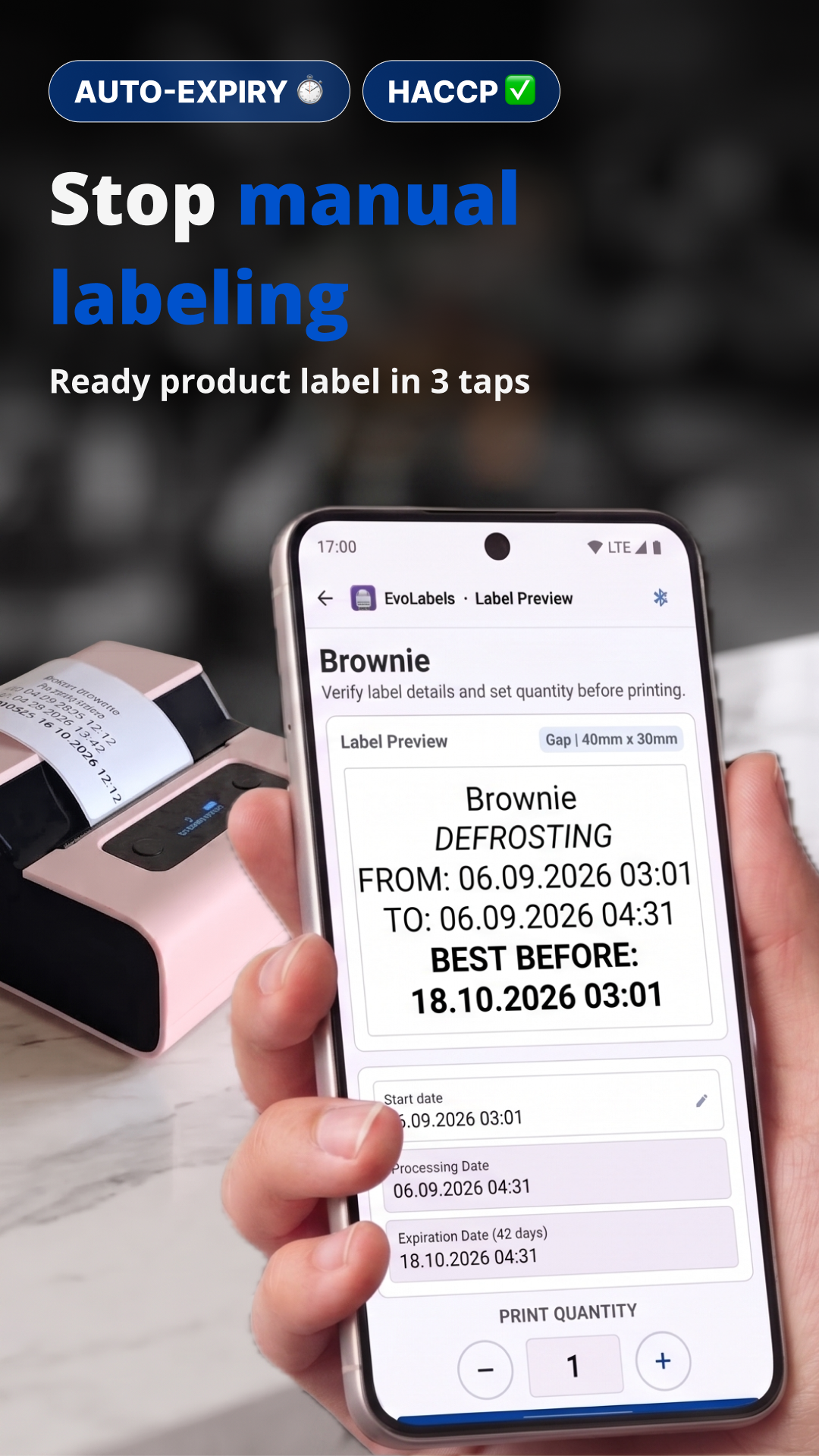
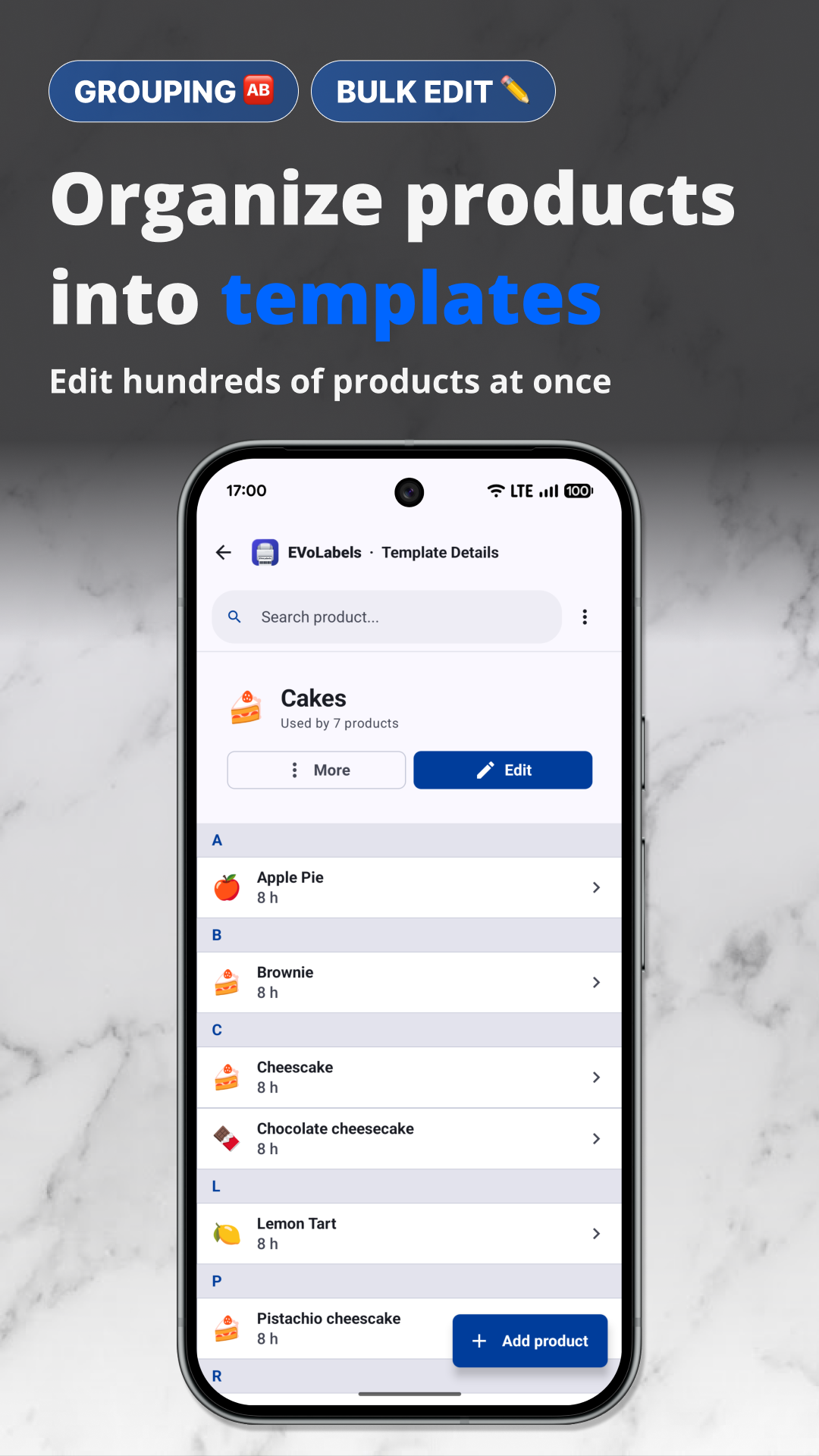
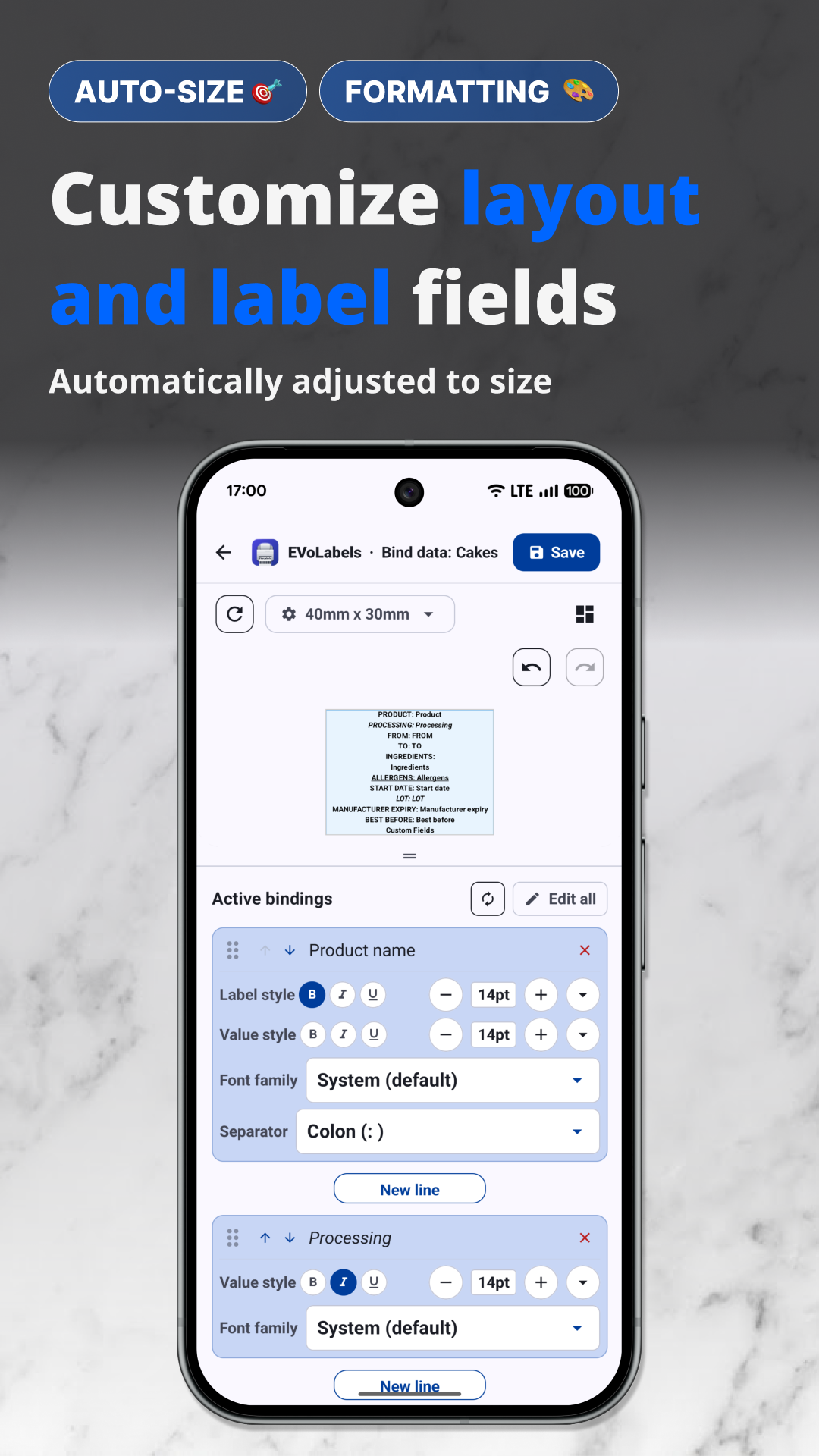
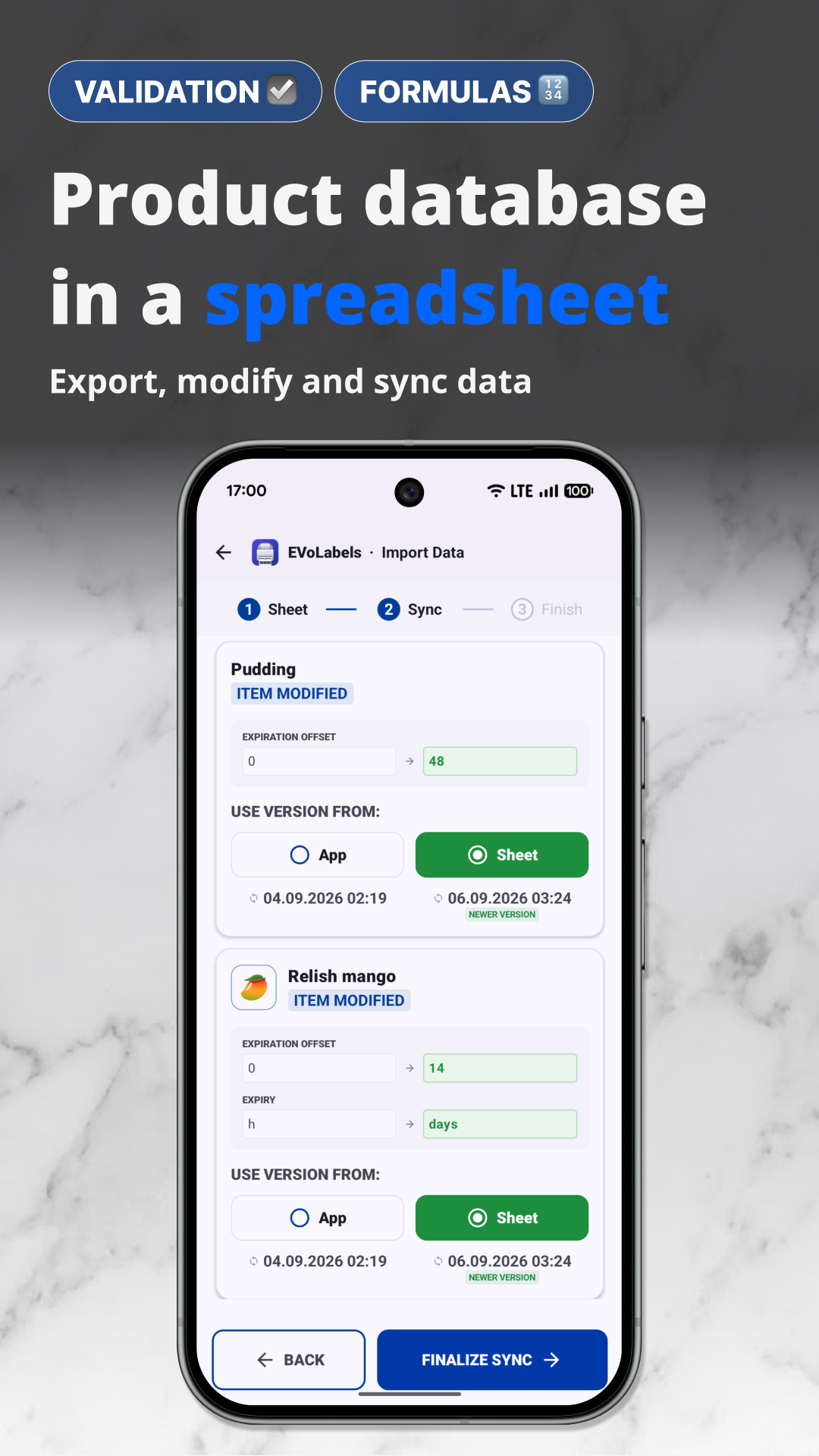
EVoLabels knows what a label must show in each market and tells you before something is missing.
You remain responsible for the content of your labels. EVoLabels helps you get them right.
The 14 EU allergens and the rules of other markets, emphasised the way each law expects.
The languages a market requires are added to the label automatically.
Missing mandatory elements and text that is too small are flagged in the editor.
Every plan includes every feature. Choose how many phones, tablets or computers print labels; your whole team can work on products.
As many devices as you need
Custom device numbers, onboarding for your sites and invoicing.
Free - Set up products, templates and layouts and invite your team, no card needed. Printing starts with Solo.
Create a free accountPrices from our web checkout. On Android, plans are billed through Google Play in your local currency.
Step-by-step guides for setting up, printing, markets and your team.
Account, first products, label usage and your printer.
Connecting, supported printers, settings and fixes.
What changes per market: languages, nutrition, allergens.
Design labels and decide what goes where.
Roles, invitations, permissions and device seats.
Common questions, quick fixes and what's new.
No. EVoLabels works with most thermal label printers, including Phomemo, Zebra, Brother and TSC. For a printer that isn't listed, a compatibility wizard finds settings that work.
Yes. Create an account and set up products, templates and layouts for free. You need a plan only to print.
Only the devices that print. Your team can work on products from any device; each printing device takes one seat, and the owner can free a seat at any time.
EVoLabels is available in more than 40 languages and knows the labelling rules of many markets. The help centre lists what each market requires.
Set up your products today and print on the printer you already have.